


How to Diagnose, Isolate, and Fix Conversion-Killing Issues
Checkout errors are among the most damaging problems an e-commerce site can face. When a customer reaches checkout, intent is already high.
Any friction at this stage directly impacts revenue, trust, and brand perception.In most WordPress-based stores, especially those running WooCommerce, checkout failures are rarely caused by the checkout itself. Instead, they are almost always the result of plugin conflicts, JavaScript errors, or theme-level overrides colliding at the worst possible moment.
This article walks through a practical, repeatable process for identifying and resolving checkout errors caused by plugin conflicts, without guesswork.
Why Checkout Is the Most Fragile Area of Your Site
Checkout is where everything converges…
- Cart logic
- Payment gateways
- Shipping calculators
- Tax engines
- Security and anti-spam layers
- Custom UX enhancements
Each of these is often handled by a different plugin. On a typical WooCommerce store, it’s not uncommon for 20–40 plugins to load on checkout.
All it takes is one poorly scoped script or outdated hook to break the flow.
Common symptoms include:
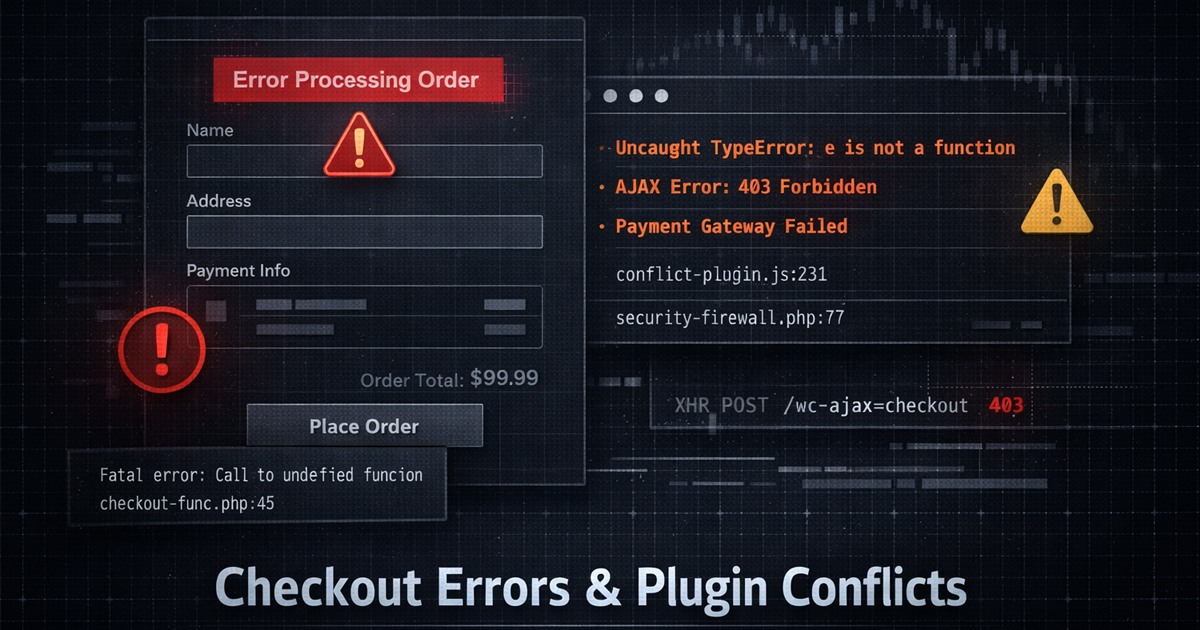
- “There was an error processing your order”
- Infinite loading spinners
- Payment buttons that do nothing
- Fields failing validation with no visible error
- Checkout working for logged-in users but failing for guests
The Most Common Plugin Conflict Triggers
1) JavaScript Collisions
Checkout relies heavily on AJAX. A single JavaScript error can halt execution entirely. Frequent offenders include…
- Page builders injecting scripts globally
- Optimization plugins deferring or combining checkout scripts
- Custom validation scripts added without proper namespacing
Rule of thumb: if the browser console shows red errors, checkout will not recover on its own.
2) Security and Firewall Plugins
Security plugins are essential, but many are over-aggressive at checkout. They may…
- Block AJAX calls as “suspicious”
- Inject nonces incorrectly
- Rate-limit checkout submissions
If checkout errors only appear intermittently or only on mobile, security layers are a prime suspect.
3) Shipping and Payment Gateway Overlap
Multiple plugins attempting to modify totals can conflict. Examples…
- A shipping plugin recalculates totals after a payment gateway locks them
- A currency switcher changes prices mid-checkout
- Insurance or fee add-ons inject line items incorrectly
Checkout math must resolve in a precise order. When it doesn’t, WooCommerce fails safely…by stopping the checkout.
4) Theme Overrides and Outdated Templates
Themes often override WooCommerce checkout templates. If those templates are outdated, even by one major version, subtle failures occur.
Always verify that your theme’s woocommerce/checkout templates match your installed WooCommerce version.
A Safe, Methodical Debugging Process
Step 1: Enable Logging Without Breaking Production
Enable WooCommerce and WordPress debug logs, but never display errors publicly.
You are looking for:
- PHP fatal errors
- Deprecated function warnings
- AJAX endpoint failures
These logs usually point directly to the conflicting plugin.
Step 2: Isolate Checkout Only
Instead of disabling everything, focus on plugins that affect…
- Checkout
- Cart
- Payments
- Shipping
- Security
- Optimization
Disable one plugin at a time and retest checkout. Yes, it’s methodical. That’s also why it works.
Step 3: Test With a Default Theme
Temporarily switch to a default theme. If checkout suddenly works, the issue is not WooCommerce…it’s your theme overrides or custom functions.
This step alone often cuts debugging time in half.
Step 4: Check the Browser Console
Open the checkout page and inspect the console…
- Look for
Uncaught TypeError - Look for blocked scripts
- Look for 403 or 401 AJAX responses
Frontend errors are just as fatal as backend ones.
Preventing Checkout Conflicts Long-Term
- Do not load non-essential plugins on checkout
- Exclude checkout from script optimization and caching
- Keep WooCommerce templates up to date
- Avoid overlapping plugins that modify totals
- Test checkout after every plugin update
Checkout should be treated as a controlled environment, not a dumping ground for features.
The Bigger Picture: Stability Equals Trust
Checkout failures don’t just lose a sale. They erode confidence. Users don’t blame plugins…they blame the brand.
A smooth checkout is invisible. A broken one is unforgettable.
At WebAuthorings, we treat checkout as infrastructure, not decoration. It must be predictable, testable, and boring.
That’s how conversions stay high and support tickets stay low.
If you suspect a plugin conflict but can’t isolate it quickly, the cost of expert diagnosis is almost always lower
than the revenue lost to a broken checkout.