
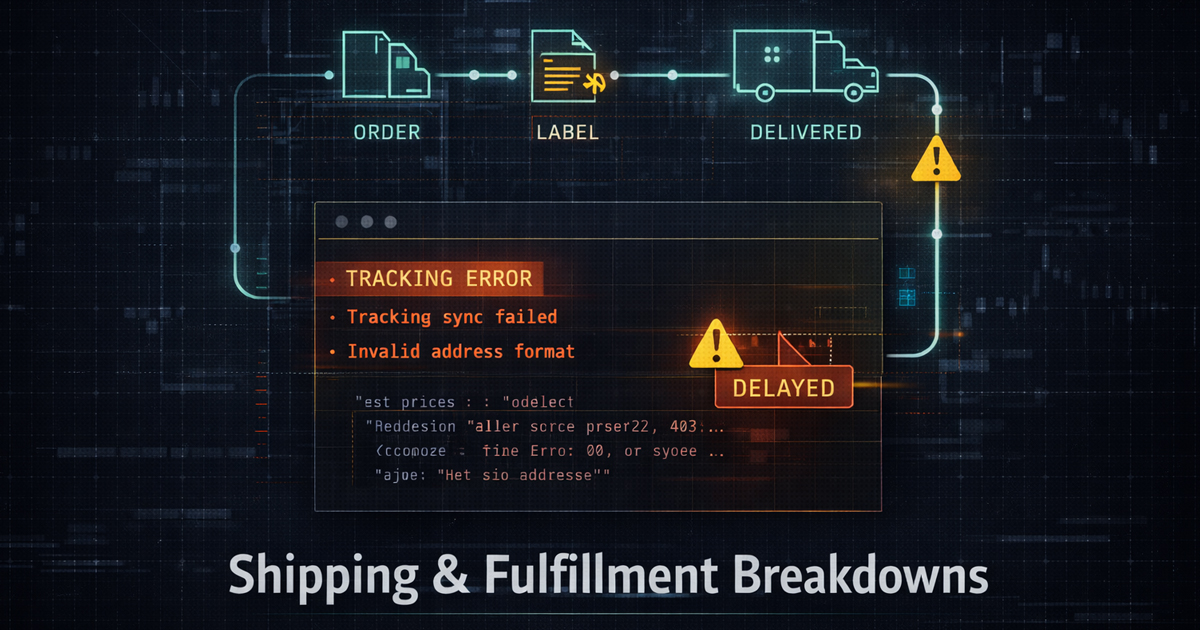


Where Orders Go Sideways…and How to Stabilize the System
Shipping and fulfillment are the part of eCommerce customers remember most…because it’s the moment your brand becomes physical.
A clean checkout means nothing if a package arrives late, damaged, misrouted, or missing. When fulfillment breaks down, it doesn’t just
create support tickets…it creates doubt. And doubt is expensive.This article maps the most common shipping and fulfillment failure points, how to diagnose them quickly, and what to change so the process
becomes predictable again.
What a “Fulfillment Breakdown” Really Means
Fulfillment isn’t one step…it’s a chain. Breakdowns happen when one link fails and the downstream systems keep moving as if nothing happened.
The result is chaos: double shipments, missing tracking, incorrect addresses, overcharges, refunds, and customer frustration.
- Operational breakdown…warehouse steps aren’t consistent
- System breakdown…WooCommerce, shipping plugins, and carrier APIs disagree
- Data breakdown…weights, dimensions, zones, or customs info are wrong
- Communication breakdown…customers don’t receive clear status updates
The Top Failure Points (and the Real Causes)
1) Missing or Delayed Tracking
The label gets created, but tracking never syncs back to the order…or syncs hours later. This often happens when the shipping provider
returns a response, but the store fails to store the tracking payload correctly.
- API timeouts or slow webhook delivery
- Conflicting plugins writing to the same order meta keys
- Order status changes firing before tracking is saved
- Cache layers blocking live API responses
2) Incorrect Rates at Checkout
If shipping rates don’t match what you pay post-purchase, you’ll bleed margin. Rate mismatches are usually caused by bad data, not “carrier price changes.”
- Weights and dimensions missing at the product level
- Packaging logic not applied consistently
- Carrier services misconfigured (zones, classes, handling fees)
- Multiple rate plugins running simultaneously
3) Address Failures and Return-to-Sender
Address failures are one of the highest-cost breakdowns because you pay twice…outbound plus reshipment. The core issue is usually validation.
- No address verification on checkout
- Customers entering “creative” formatting
- International address fields not mapped properly
- Carrier label creation accepting invalid values silently
4) Customs and International Shipping Errors
International is where weak data turns into hard stops. Missing HS codes, incorrect item descriptions, or invalid declared values can trigger delays,
rejections, or fees that customers weren’t expecting.
- Incomplete customs forms
- Wrong product origin or material descriptions
- Declared values that don’t match invoice totals
- Country restrictions not handled upfront
5) Lost Packages, Damages, and Insurance Failures
The problem isn’t just loss or damage…it’s what happens next. If your insurance workflow is unclear, your resolution time balloons and your customer’s
confidence collapses.
- No clear insured value rules
- Insurance not applied consistently to services
- Poor packaging standards or unclear packing steps
- No internal claim process with timelines
A Practical “Stabilize the System” Checklist
Step 1…Audit Your Data
- Ensure every product has weight + dimensions
- Confirm packaging rules (box sizes, default parcel logic)
- Verify shipping classes and category-level overrides
- Confirm country list, restrictions, and delivery expectations
Step 2…Reduce Plugin Overlap
The shipping stack should be boring. Ideally…one system creates labels, one system calculates rates, and one system handles messaging.
When multiple plugins compete, you’ll see intermittent failures that are almost impossible to reproduce.
- One rate source (live rates OR tables, not both unless you have strict rules)
- One label provider
- One tracking writer
Step 3…Add Guardrails at Checkout
- Address validation for high-risk countries or all orders
- Phone required for international shipments
- Clear shipping method names (no internal carrier jargon)
- Delivery expectation copy displayed before payment
Step 4…Build a Real Exceptions Process
The fastest companies aren’t perfect…they’re fast at correcting exceptions. Define rules for:
- “Label created but not scanned” after 24–48 hours
- Packages stuck in transit beyond normal window
- Damaged package workflow + claim initiation
- Reship vs refund decision points
The Bigger Picture…Fulfillment Is Your Reputation Engine
Customers forgive a lot…but they don’t forgive silence. A predictable shipping system is less about speed and more about confidence:
accurate rates, reliable tracking, clean packaging, and clear communication.
If your shipping process feels “random,” it’s usually because the store is missing a single source of truth for rates, labels, and tracking.
Fix that…and everything becomes calm again.